
Answer routine questions while you work.
The assistant uses the business information you approve when a person cannot take every incoming call.
Customers may call while you are busy with the work in front of you. AI call support can help handle routine inbound inquiries using the information and booking rules you approve.
Request a free consultationUse a free 20-minute phone consultation to check your phone setup, calendar, required call behavior and how your team needs to receive inquiries.

What the work helps you do
The assistant uses the business information you approve when a person cannot take every incoming call.
Caller details and the reason for calling support human follow-up through the arrangement confirmed before launch.
A supported calendar and agreed rules let callers check suitable booking options.
Confirm the handoff
Tell Darius which phone and calendar systems you use, which calls matter most and who follows up. We check the required behavior and supported connections before you subscribe.
Before launch, confirm the supported delivery method, the person receiving caller details and how that person follows up. A particular CRM, email, text or live-transfer integration is not assumed to be included.
The scripted example below shows the intended boundaries. It is not a live AI call or a test of your phone or calendar setup.
The agreed scope
Inbound AI call support is part of Premium Growth and can be discussed as a separately scoped need. The receptionist uses approved business information, captures caller details and helps with booking through a supported calendar. Your team retains decisions, individual advice and human follow-up.
Your proposal confirms deliverables, timing, revisions and any ongoing support before work starts.
Request a free consultationDefine the types of incoming inquiries and the next steps the assistant should support.
Prepare the service details and answers the assistant is allowed to use.
Answer legitimate incoming calls using your approved information, including outside office hours, under normal-business-use and fair-use terms.
Collect the caller’s name, contact information, service or program interest, and reason for calling for your team’s follow-up.
Set up the agreed calendar connection and scheduling rules where supported.
Review typical calls and define how questions outside the assistant’s scope should be handled.
How we work
We identify common questions, booking requirements and situations that need a person.
We prepare the approved information and connect the agreed call and calendar flow.
We review example calls and refine the behavior before putting the agreed setup into use.
Scripted concept / No live calls
Explore three moments in a call flow: an ordinary question, an appointment request and a question that belongs with a person.
This is a scripted, browser-only example of a school inquiry. It does not use live AI, place a call, collect caller details, book a visit or send a handoff.
CallerWhat can I ask about?
Scripted responseI can help with the business information approved for this call flow. If you need an answer that is not in that information, the team needs to confirm it.
Why this response
Keep answers inside the approved information. Do not guess about current dates, eligibility or policies.
Example follow-up context
Routine information request. No appointment or follow-up has been created.
CallerCan I arrange a campus visit?
Scripted responseThe school needs to confirm a suitable visit time. In an agreed setup with a supported calendar, the assistant can check availability. This example only shows the request and the information the team would need.
Why this response
Distinguish an appointment request from a confirmed booking. A real calendar connection needs a separate compatibility check.
Example follow-up context
Example reason: campus visit. A real follow-up would need the caller’s name, preferred contact details and the agreed recipient.
CallerCan you decide whether I qualify?
Scripted responseThat needs a person from the school’s team. I can explain the callback step, but I cannot make an admissions or financial-aid decision.
Why this response
Recognize the limit, explain it and leave the decision with the responsible person.
Example follow-up context
Example reason: individual eligibility question. Human review needed; no eligibility decision made.
The approved information, calendar connection, staff recipient and callback delivery method are agreed and tested before launch. No particular calendar, CRM, text message or live-transfer feature is implied by this example.
When the pieces need to work together
Premium Growth connects ongoing marketing, website care, creative and inbound call support for the covered business. Compare its actual inclusions with the individual work you need.
Review the Growth packageQuestions, answered
Yes. Normal around-the-clock availability to answer legitimate inbound calls is permitted. The receptionist uses your approved information and agreed call flow.
It can help book available appointments through a supported, connected calendar. Calendar compatibility, appointment types and special rules must be confirmed before you subscribe.
We confirm the supported delivery method, who receives the details and the follow-up responsibility before launch. Bring your current phone and calendar setup and tell us how your team handles inquiries. A particular CRM, email, text or live-transfer integration is not assumed to be included.
Collecting callback details is confirmed. Live transfers, unanswered-call behavior and other specific call-handling requirements need a separate compatibility check; they are not automatically included.
SMS/MMS is not included unless separately agreed and is usage-billed. Reminders, cancellations and rescheduling require a separate compatibility and scope check. Outbound calling is not part of the advertised inbound service.
Inbound answering is included for normal business use. Exceptionally high call usage may require a custom plan or additional charges, disclosed and agreed to in advance. Fair-use terms prohibit abusive automated calling, API abuse, continuous streaming and other activity that disrupts service.
You provide current business information and tell us when it changes so the setup can be updated. AI and connected services can make mistakes or become unavailable. Your team handles decisions, individual advice and human follow-up.
Discuss your calendar, call routing and any essential feature with Darius before subscribing. We configure and test the agreed setup before launch; an unsupported integration is not assumed to be included.
Explore further
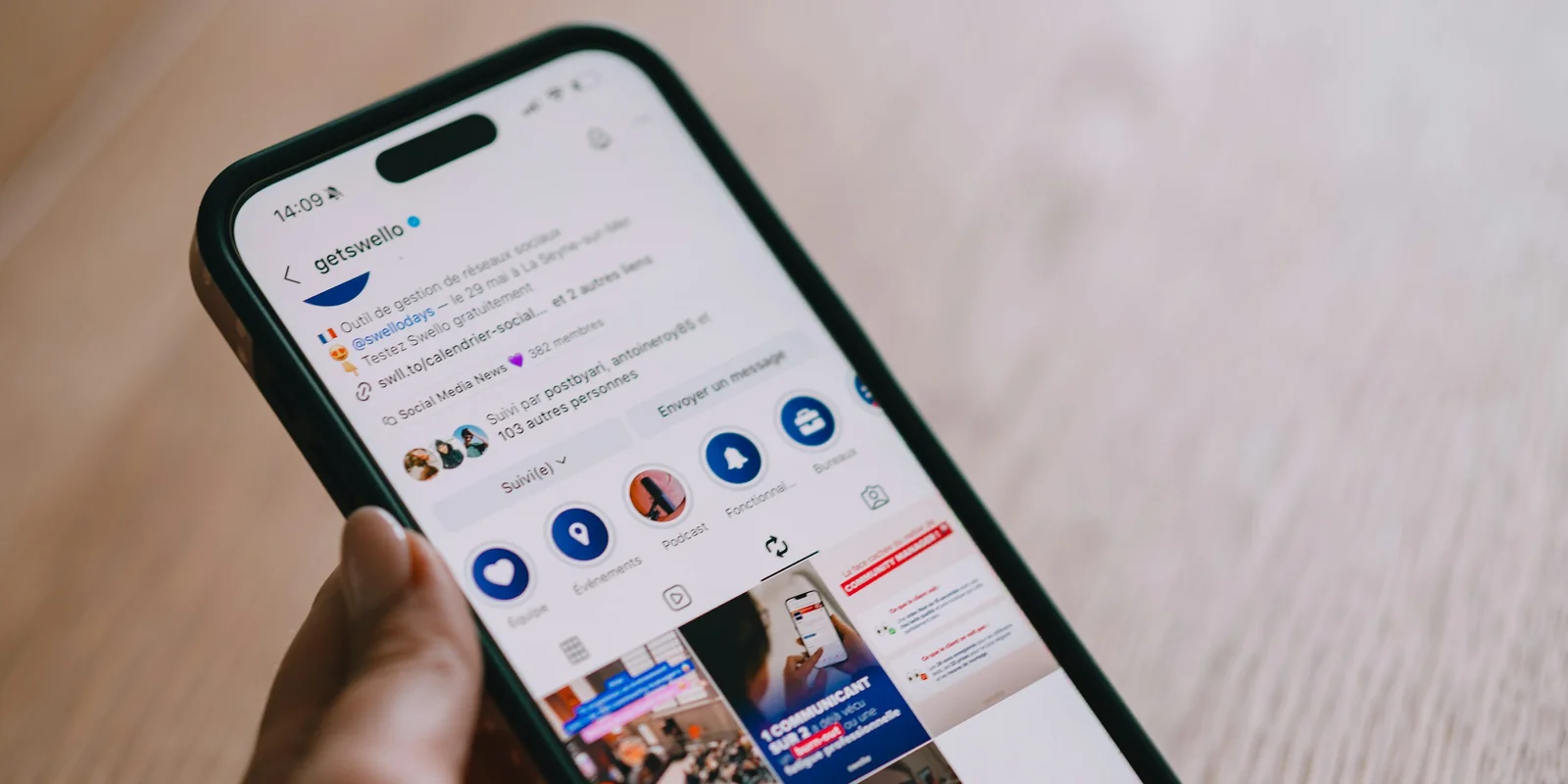
Connect a clear offer with potential customers on Facebook and Instagram, then give them a useful next step.
Explore service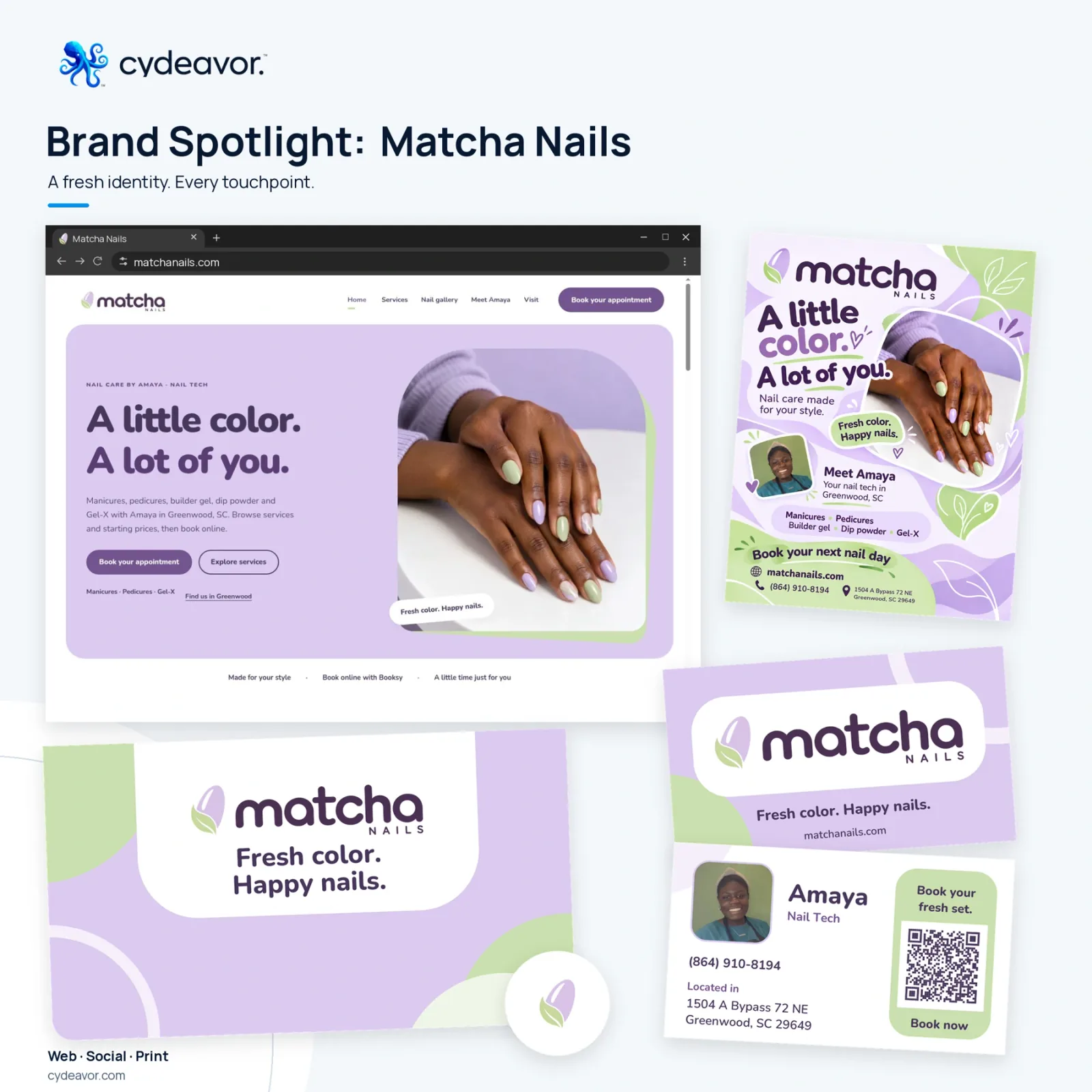
Help customers understand your business and contact you, with hosting and a defined plan for keeping the site current.
Explore service
Work through a specific task or workflow that your current tools do not handle well.
Explore serviceA free 20-minute phone consultation
Tell Darius what you want to improve and what you already have. Talk through fit, priorities and the scope worth exploring. You do not need to choose a package first.
A conversation does not start a project or subscription.